

About JADOCAM


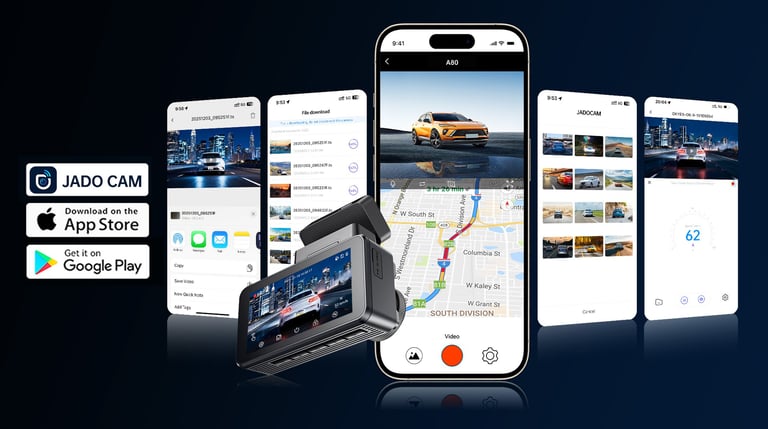
JADOCAM is the official companion app designed for dash cams and related smart imaging devices. Once connected, users can view live footage, replay driving videos, and see GPS routes synchronized with their recordings. The app supports fast and stable video transfer, easy local file management, and flexible editing of videos and photos with quick sharing options. All media is stored locally on the device or phone, with no automatic cloud uploads, ensuring strong data privacy and security. JADOCAM delivers a reliable, efficient, and worry-free driving video experience.
50000+
Global users
60+
20+
Global countries
Partners
Features and benefits
Wi-Fi 6 Speed, Smooth Playback
Supports multi-band devices and Wi-Fi 6 for faster pairing and a more stable signal. Stream or download high-quality videos smoothly with fewer drops—saving time and frustration.

Replay Video with GPS Route
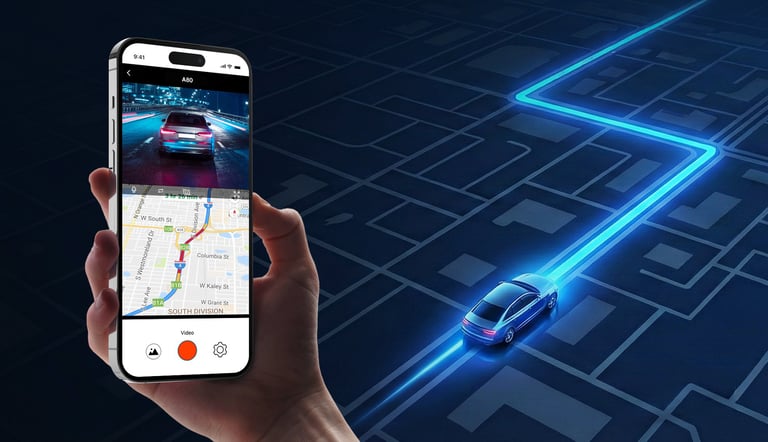
After connecting, watch or replay driving videos while the map shows the exact route, position, and direction in sync. Find key moments faster by locating them on the route instead of scrubbing the timeline.
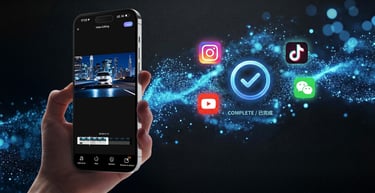
Edit Your Way, Share Instantly
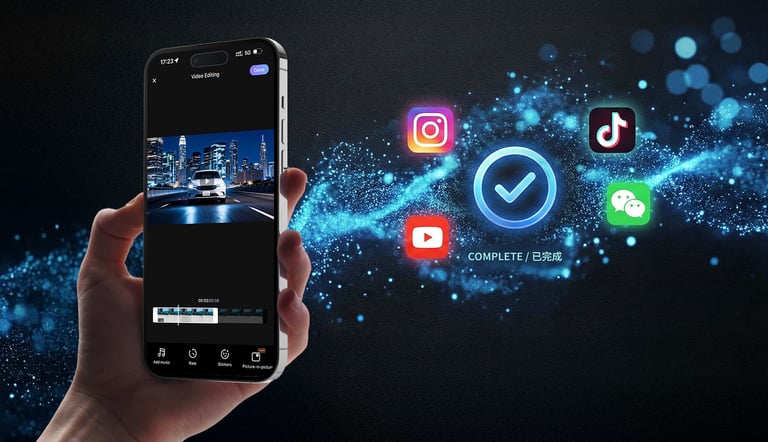
Edit synced videos/photos with trimming, cropping, color tweaks, and captions/stickers. When it’s ready, share to social apps or messengers in one tap—turn moments into stories instantly.
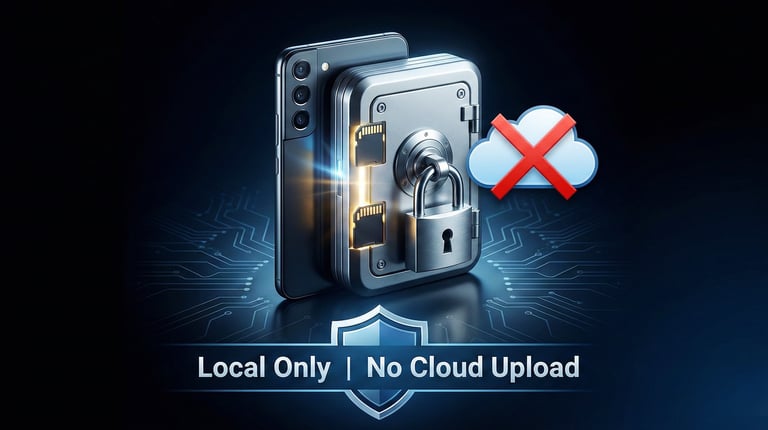
Local-Only Storage, Privacy Protected
Your videos/photos/audio stay on your devices (dash cam SD card or your phone). No automatic cloud uploads or hidden backups. You keep control of your data, reducing leakage risk for better privacy.
Frequently asked questions
Why can't my phone receive messages via 4G/5G cellular data after connecting to the dash camera's WiFi?
The dash camera's WiFi does not provide internet access. If your mobile device only supports single-channel communication, it will not be able to receive 4G/5G data after connecting to the camera's WiFi. However,it will still be able to receive phone calls.
Can't connect to the dash cam's WiFi?
Ensure the dash cam is in WiFi mode, your phone's WiFi is on, and you're selecting the correct network (usually named after the dash cam model) from your phone's settings.
App says "Connection Failed" or can't find the device?
Restart both your dash cam and phone. Make sure you're within range (typically within 33feet/10 meters) and that no other devices are already connected to the dash cam's WiFi.
Live view is laggy or keeps disconnecting?
This is often due to signal interference. Move closer to the dash cam, avoid areas crowded with other WiFi signals, and ensure no large objects are blocking the signal path.
Contact JADOCAM
info@jadocam.com
Contact
Address: Suite 205, Building B3, ICC.AI Park, No. 72 Guanlan Avenue, Xinhe Community, Fucheng Street, Longhua District, Shenzhen, Guangdong, China
Get touch
info@jadocam.com
© 2026 Jadocam Shenzhen Shipin Trading Co., Ltd. All rights reserved